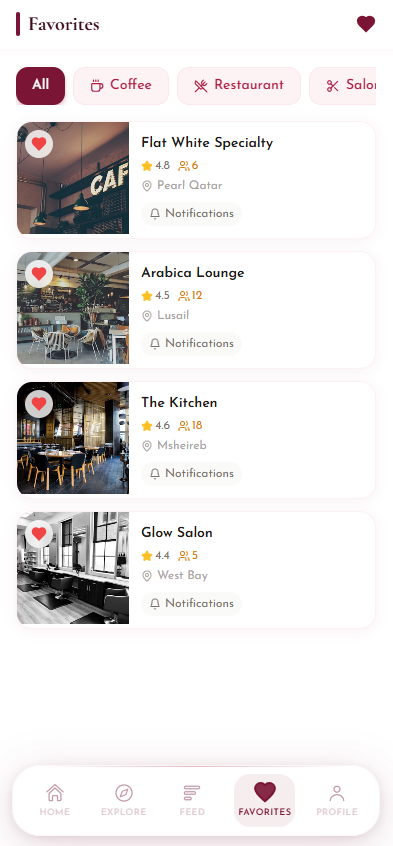
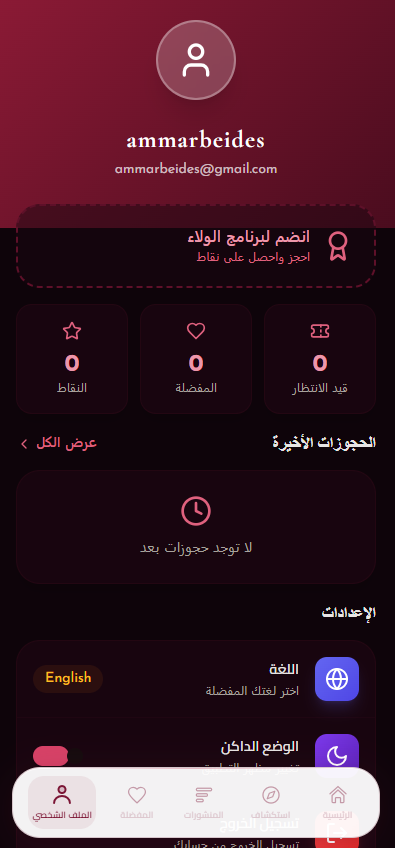
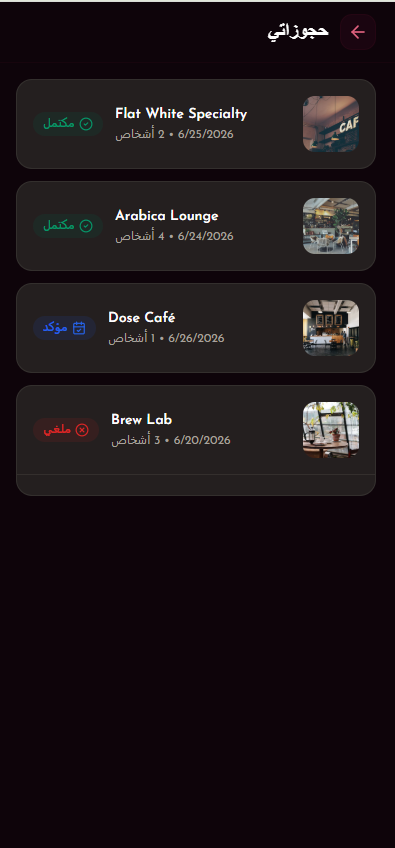
Experience Layer
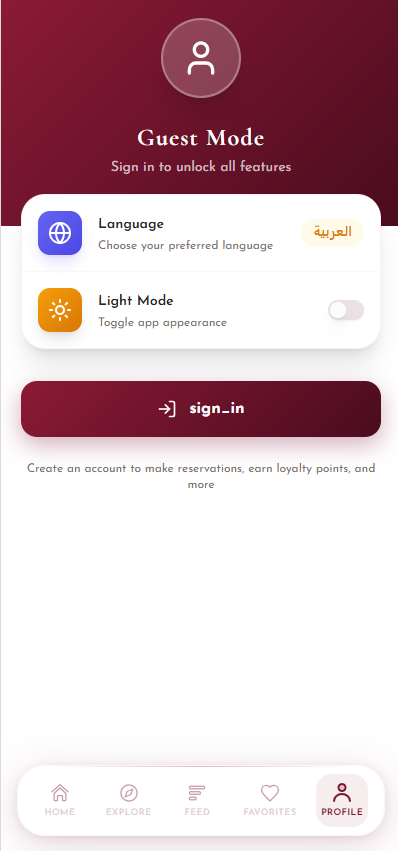
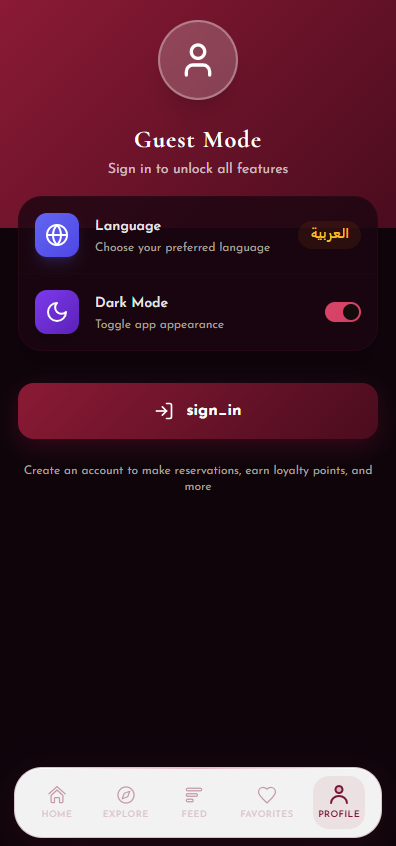
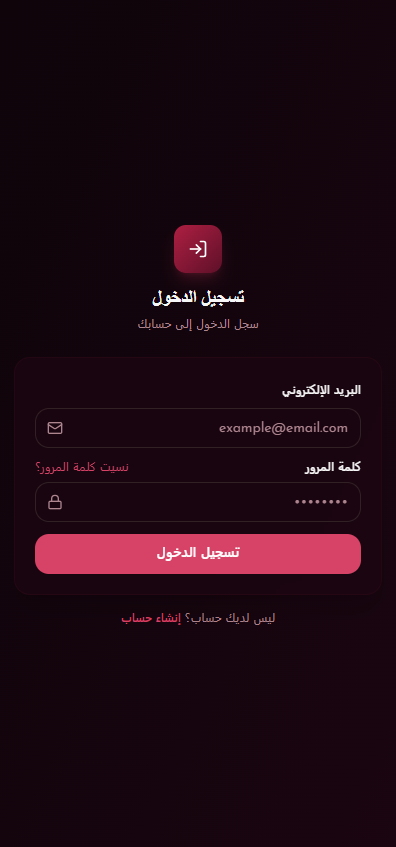
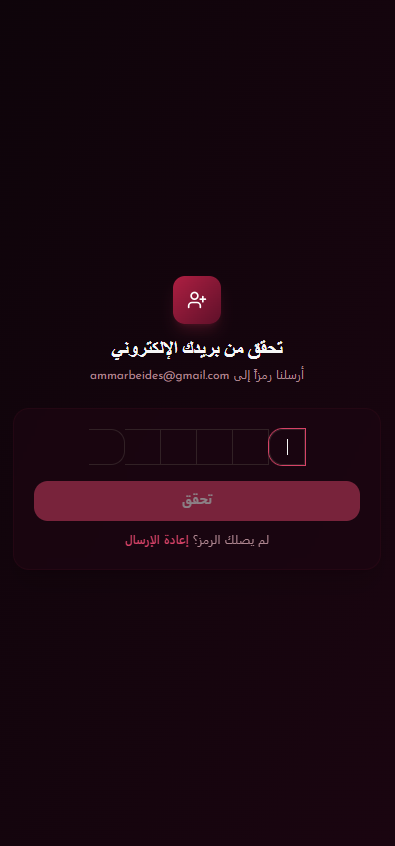
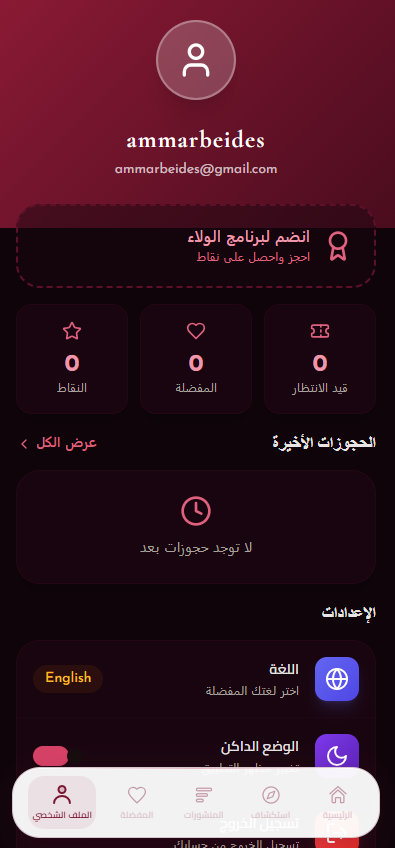
Onboarding, guest mode, login, OTP verification, language selection, dark mode, bottom navigation, and profile settings.
 QAREEB
Mobile Experience Blueprint
QAREEB
Mobile Experience Blueprint
Luxury queue-free venue discovery
A bilingual mobile app infrastructure and workflow document for real-time waiting lines, nearby premium venues, reservations, loyalty, and social engagement.
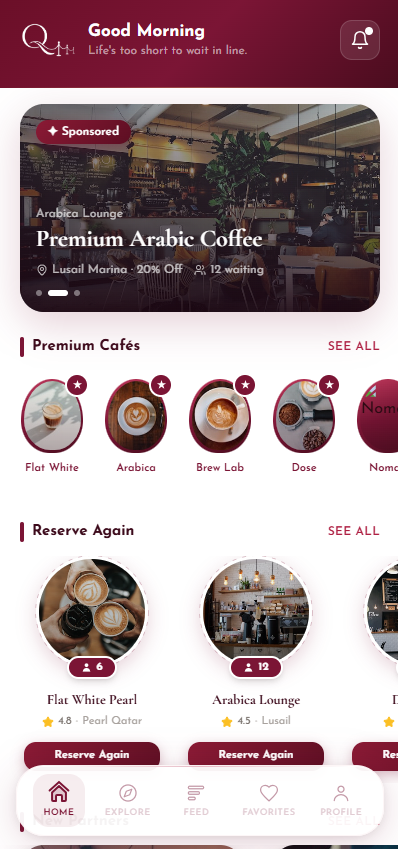
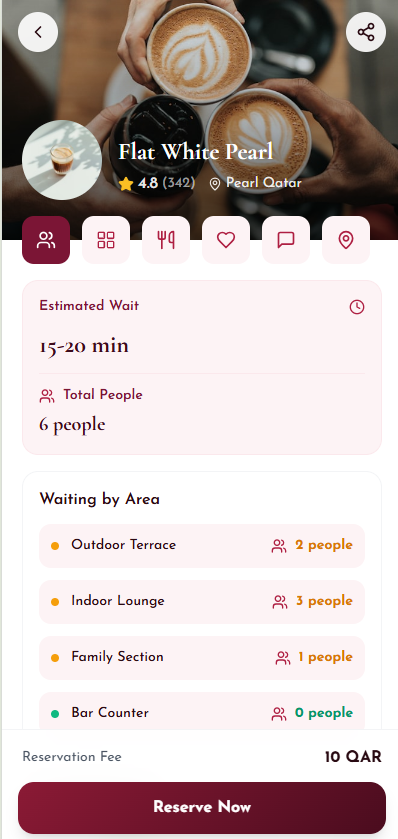
Qareeb converts waiting from a blind, frustrating moment into a visible and bookable experience. Customers discover nearby venues, compare queue pressure, reserve a seating area, receive confirmation, and continue engaging through feed, favorites, rewards, and booking history.
The infrastructure below describes the product logic visible in the app screens: customer experience, venue data, queue intelligence, reservation orchestration, and post-booking engagement.
Onboarding, guest mode, login, OTP verification, language selection, dark mode, bottom navigation, and profile settings.
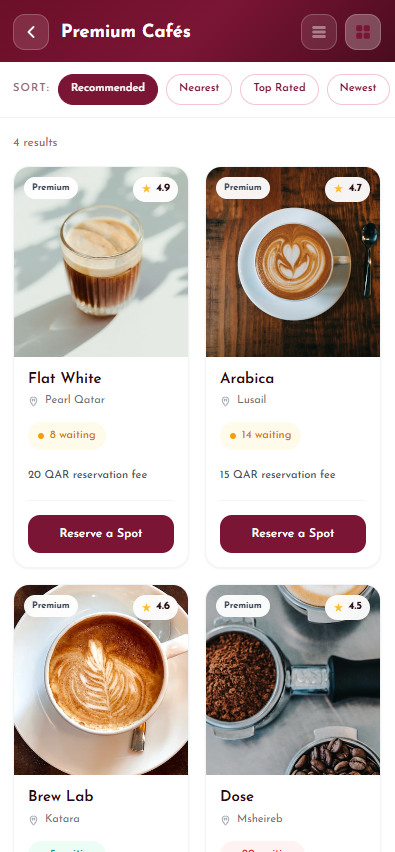
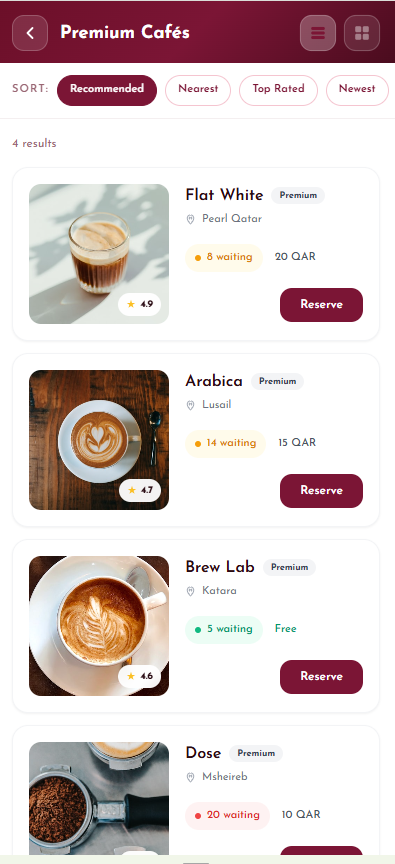
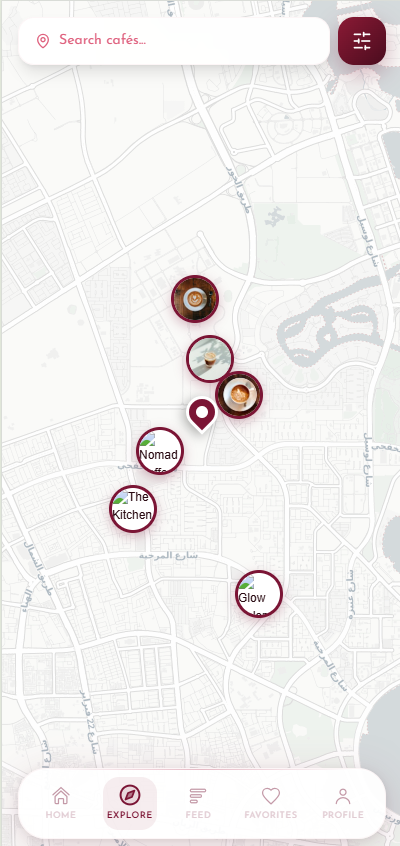
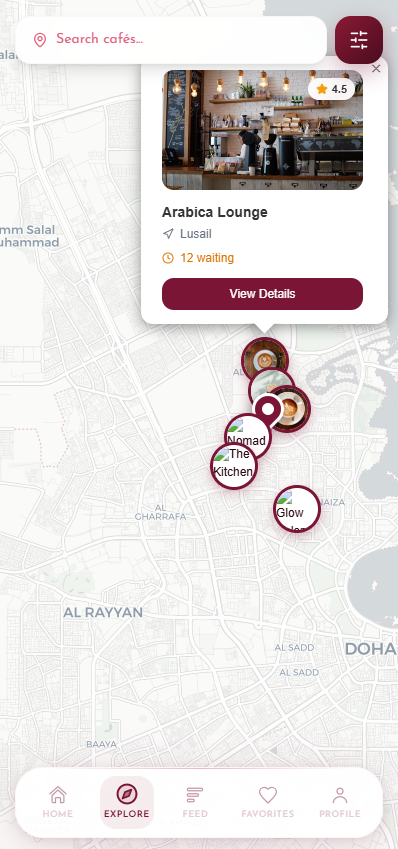
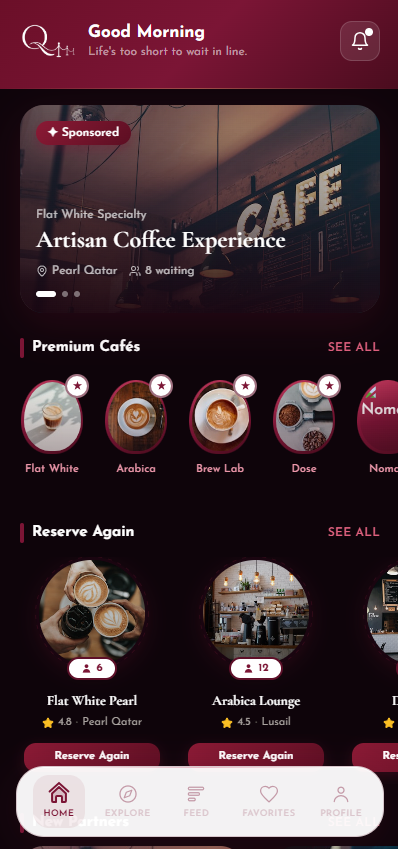
Home highlights, sponsored placements, premium categories, list and grid views, nearby map markers, search, sorting, and venue recommendations.
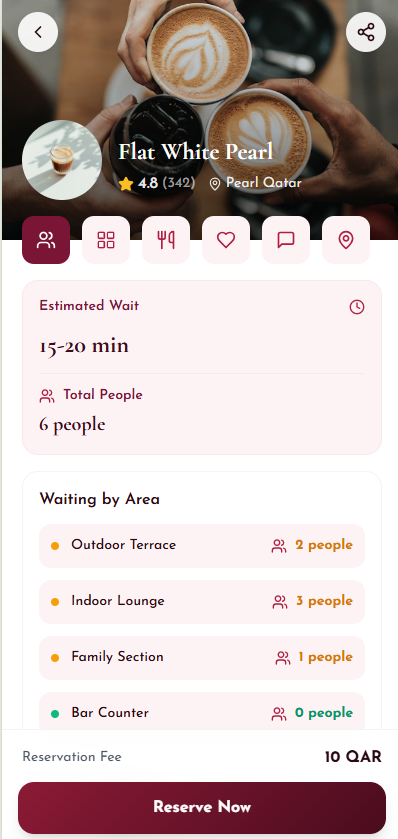
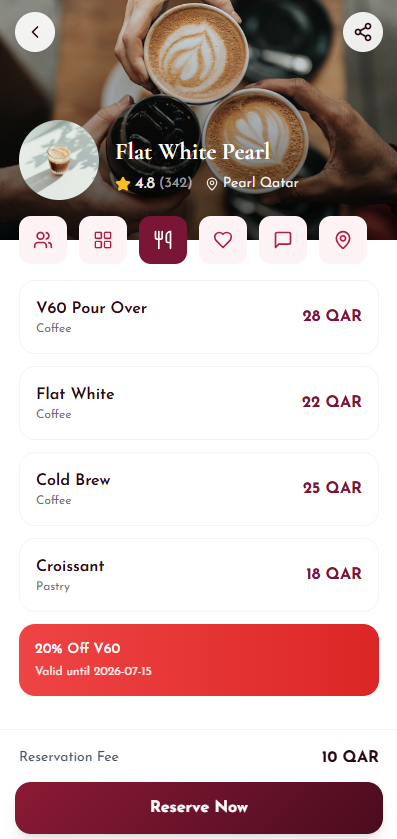
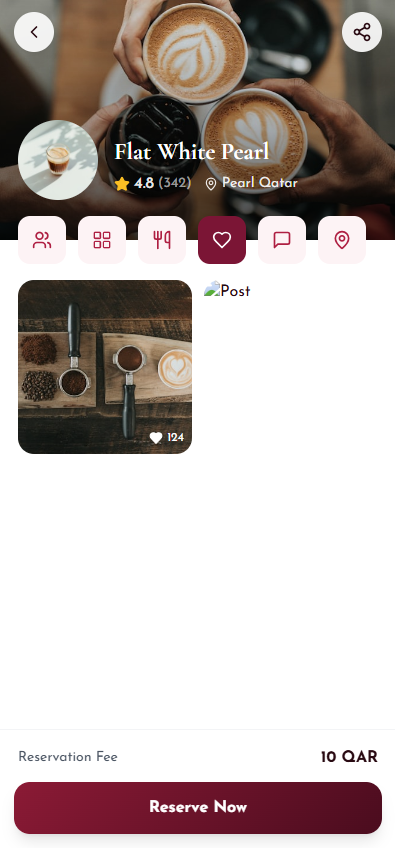
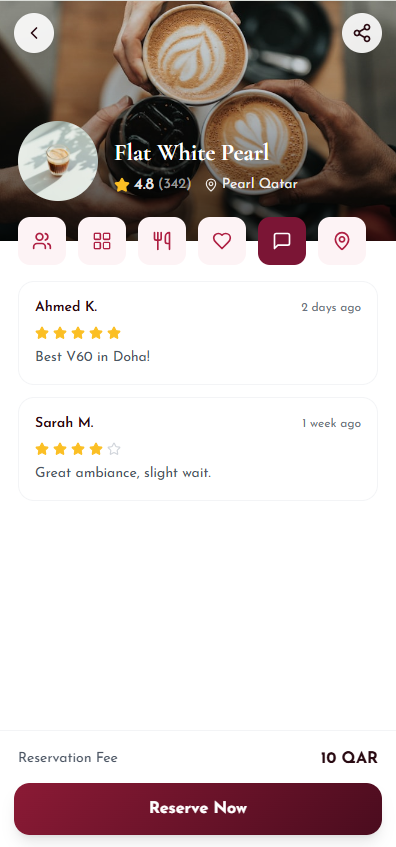
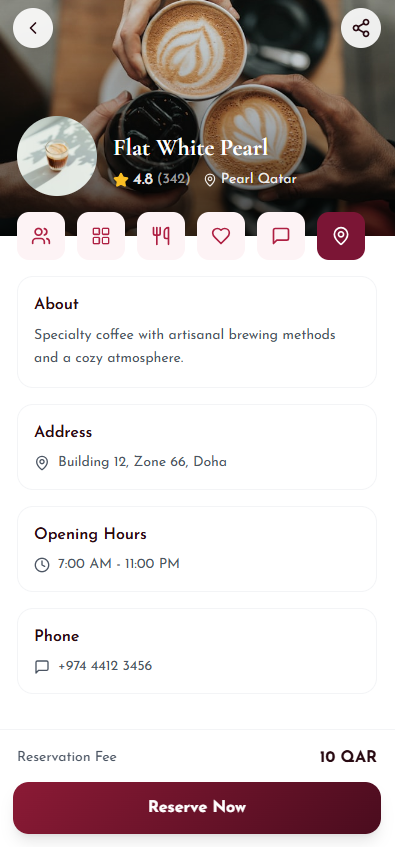
Venue profile, area availability, estimated wait, total people in queue, menu items, offers, reviews, address, opening hours, and contact data.
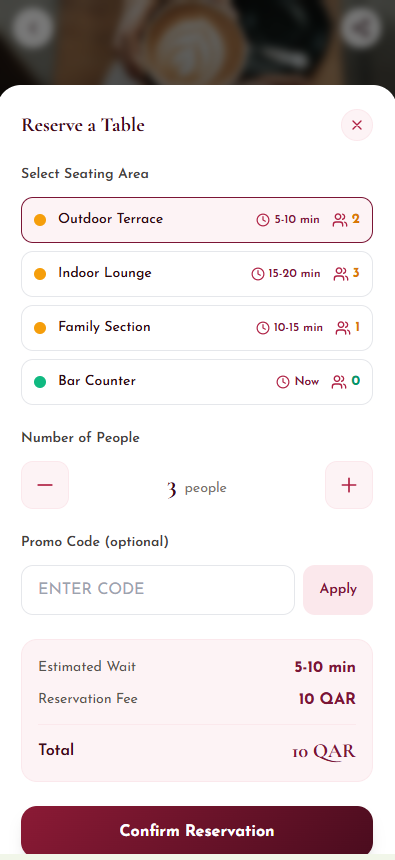
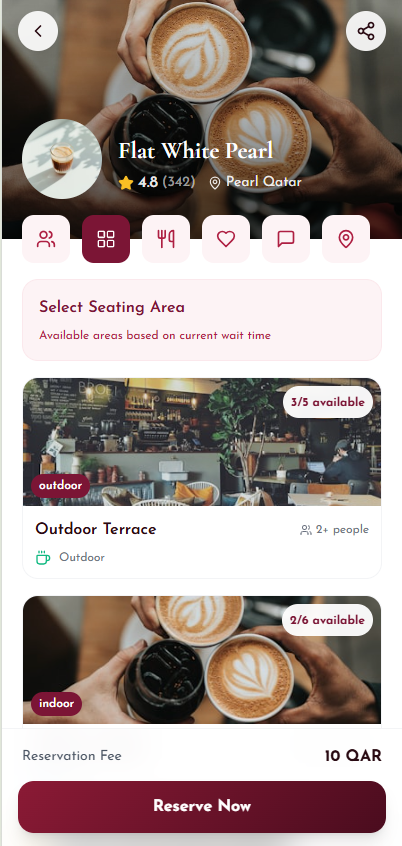
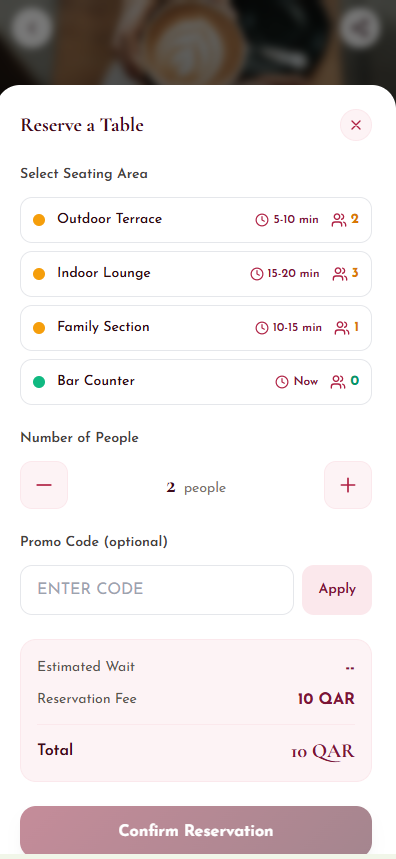
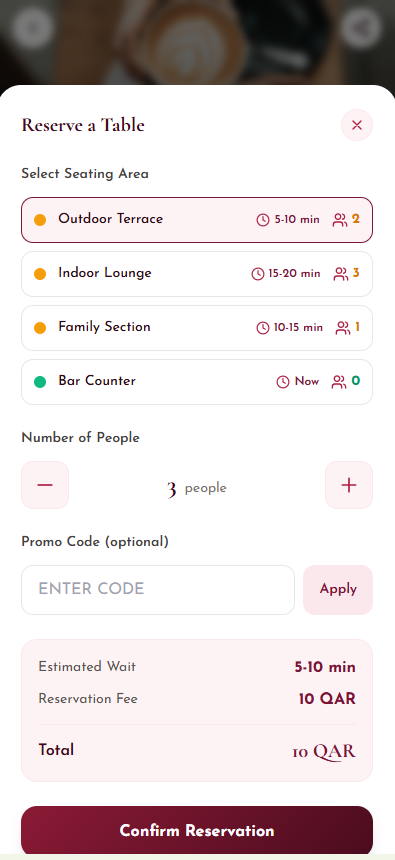
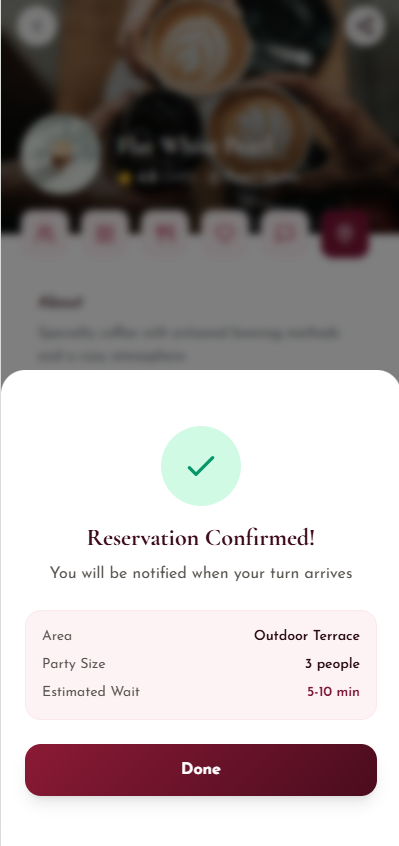
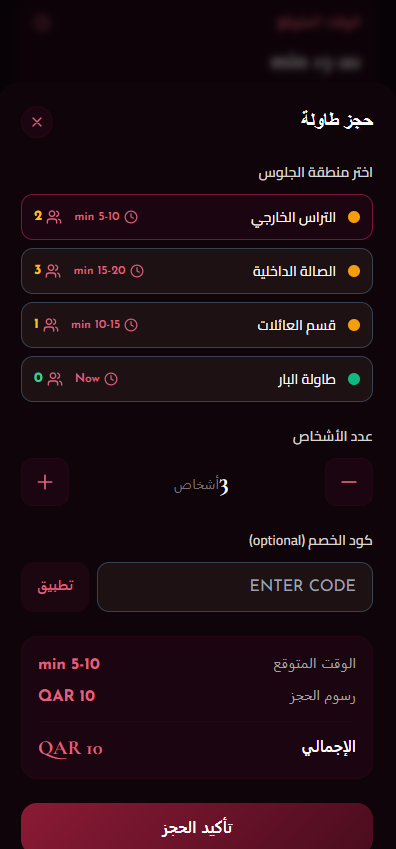
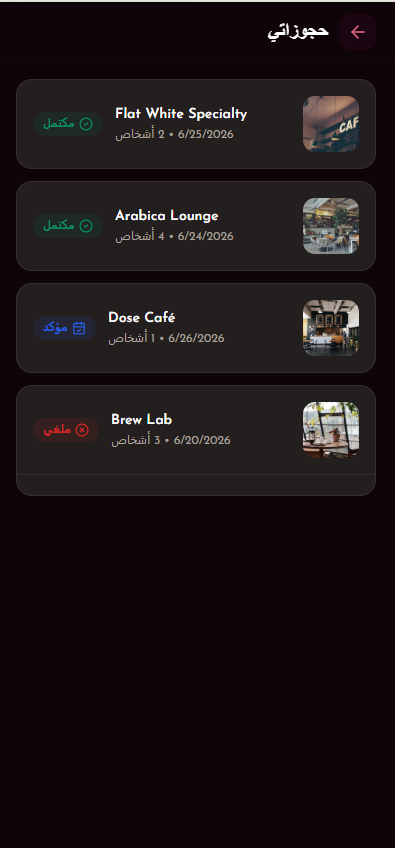
Seating-area selection, party-size controls, promo code validation, reservation fee display, confirmation, status tracking, and booking history.
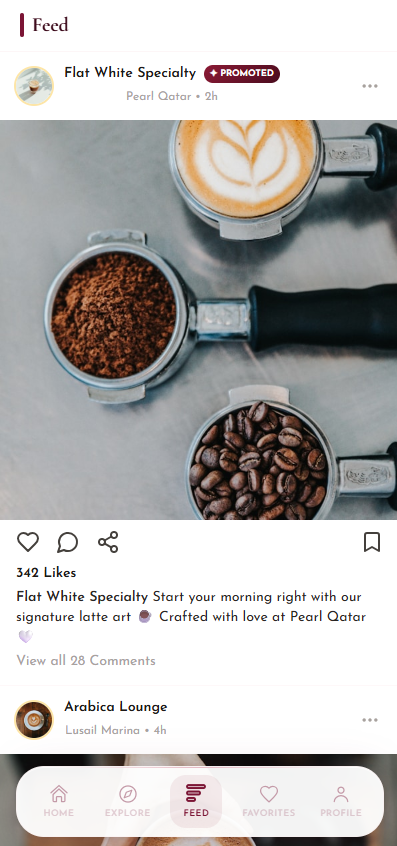
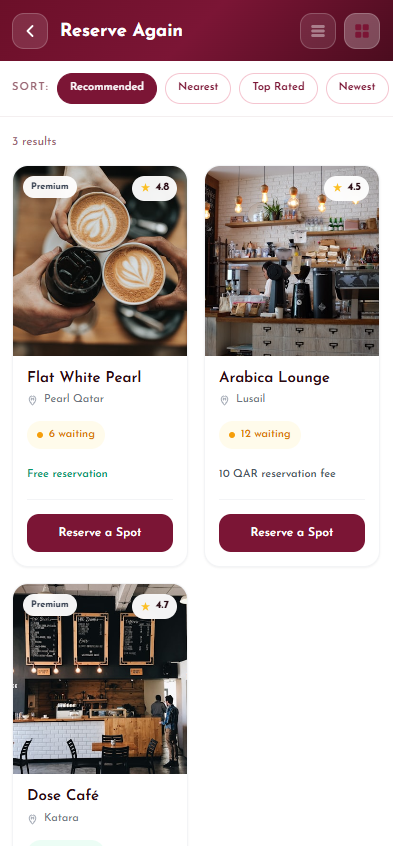
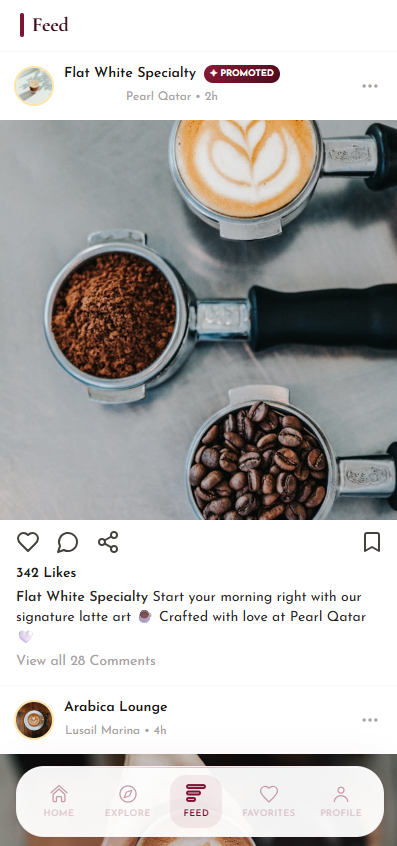
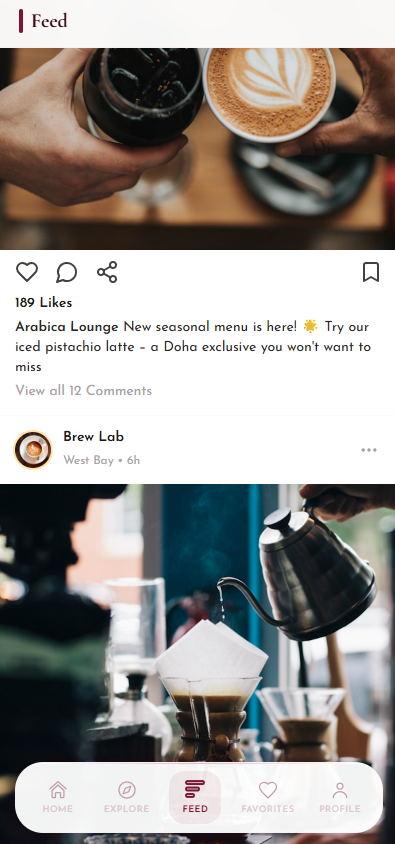
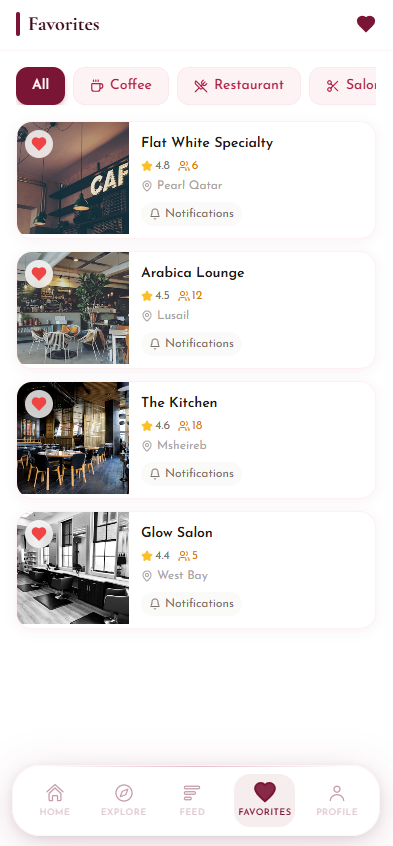
Social feed, promoted posts, likes, comments, saved venues, notifications, loyalty points, rewards, and repeat reservation prompts.
Venue partners update capacity, wait pressure, offers, and content while admin views monitor reservations, demand patterns, and customer activity.
The flow is designed for fast decisions: see what is nearby, understand waiting pressure, reserve the best area, and stay updated until arrival.
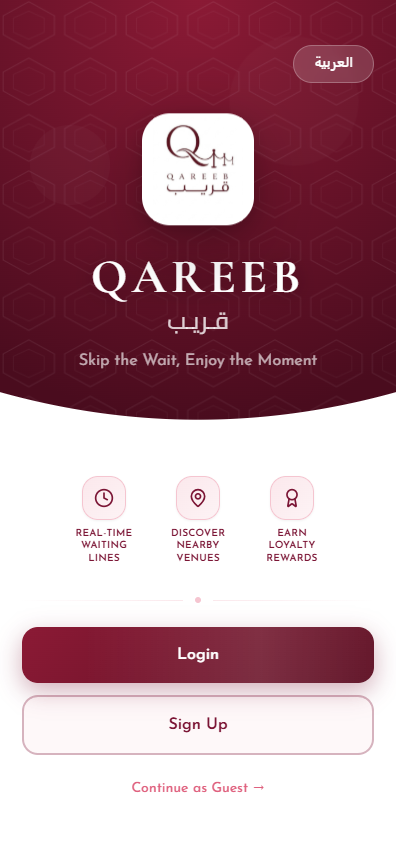
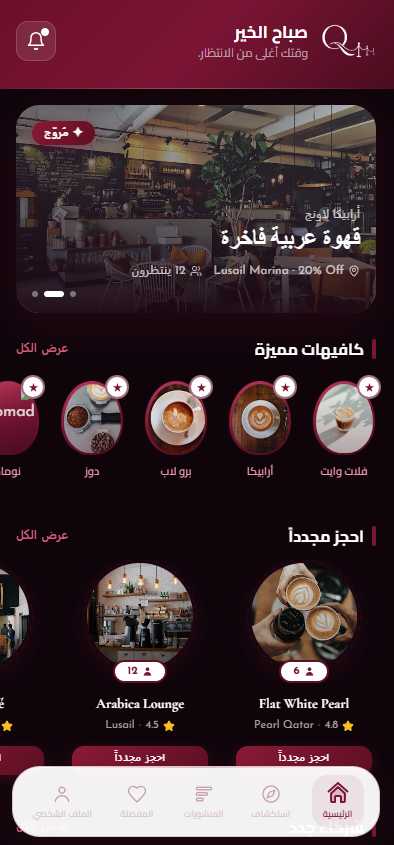
The user enters through a branded welcome screen, switches Arabic or English, and continues as guest or signs in.
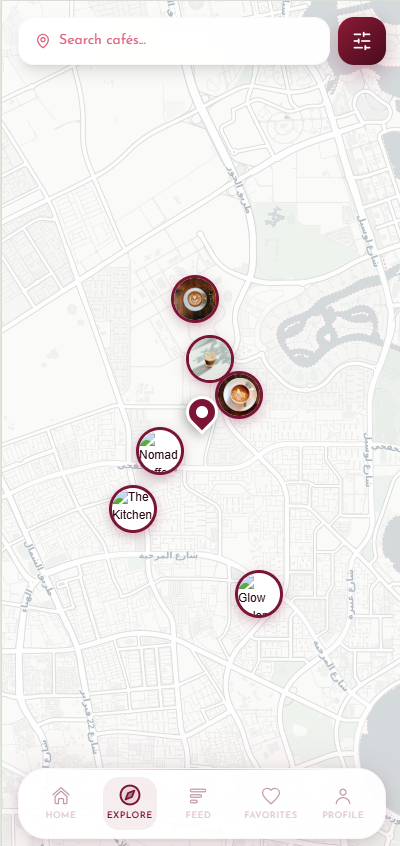
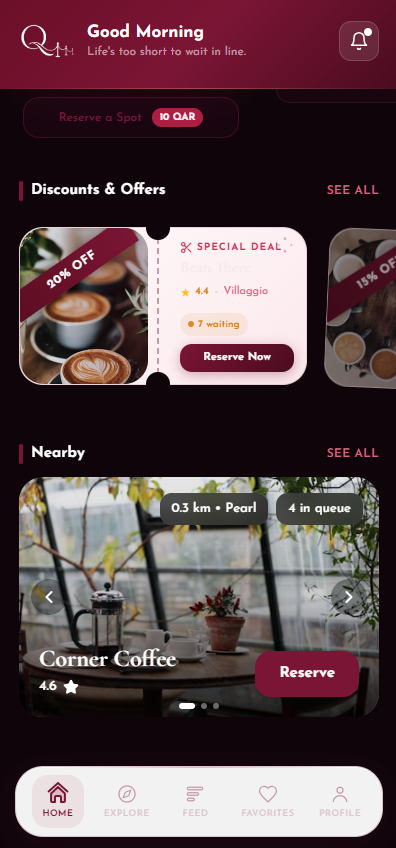
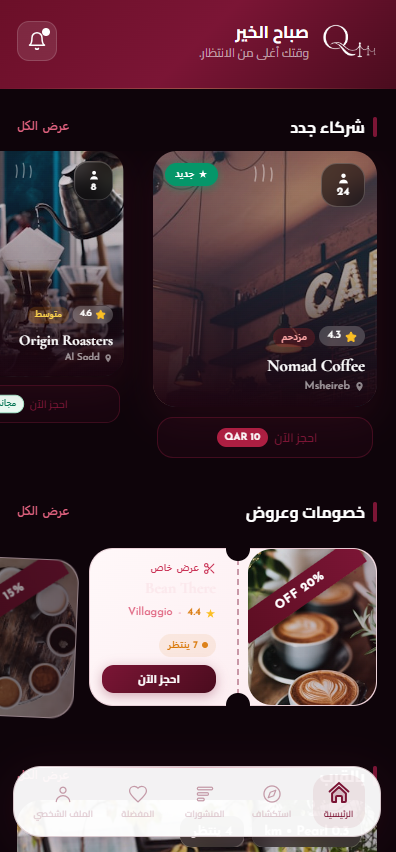
Home, categories, sponsored cards, list views, and the map help the user compare distance, rating, queue size, and offers.
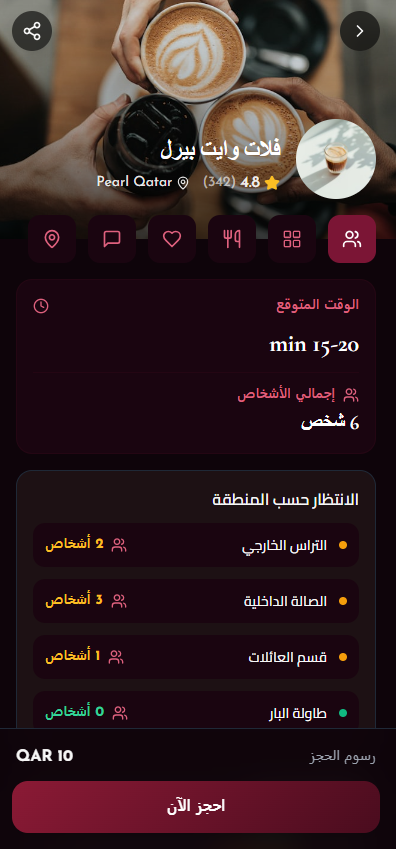
The profile shows estimated wait, people by seating area, menu, feed posts, reviews, location, opening hours, and contact details.
The user chooses outdoor, indoor, family, or bar seating, sets party size, adds an optional promo code, and confirms the fee.
The app confirms the reservation, stores the booking record, and keeps the user aware of waiting time and turn status.
Favorites, feed content, loyalty rewards, notifications, and reserve-again prompts bring the customer back to premium partners.
The recording shows the app in motion, including the premium interface, Arabic and English experience, venue discovery, reservations, profile flows, and visual interaction patterns.
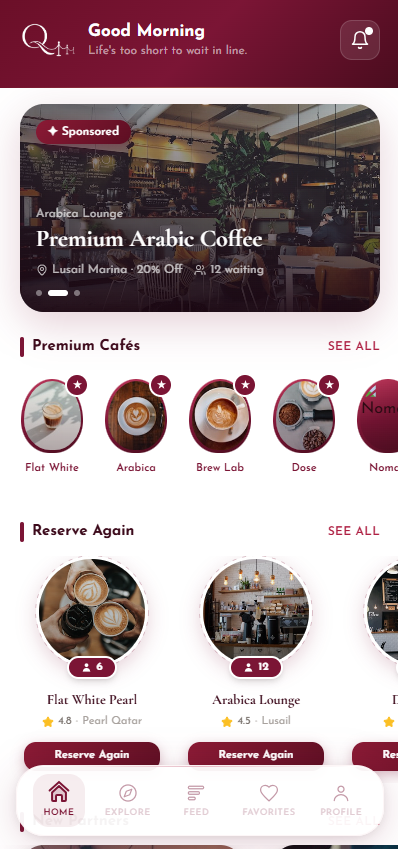
Shows how the luxury interface behaves across navigation, cards, lists, and reservation screens.
Demonstrates the customer journey from discovery to booking and account/profile actions.
Useful for reviewing spacing, rhythm, colors, RTL screens, and interaction quality.
The current visual system already carries Qareeb's core identity: deep burgundy, ivory surfaces, soft rose controls, cafe photography, and clear reservation states.
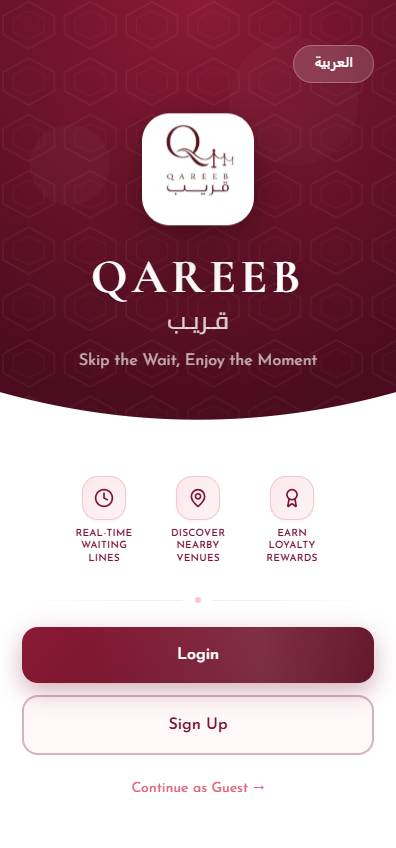
Use the PDF button to open the browser print dialog, then choose Save as PDF. The print stylesheet keeps the colors, logo, Arabic direction, and page structure clean.